
Click "Add move-out"
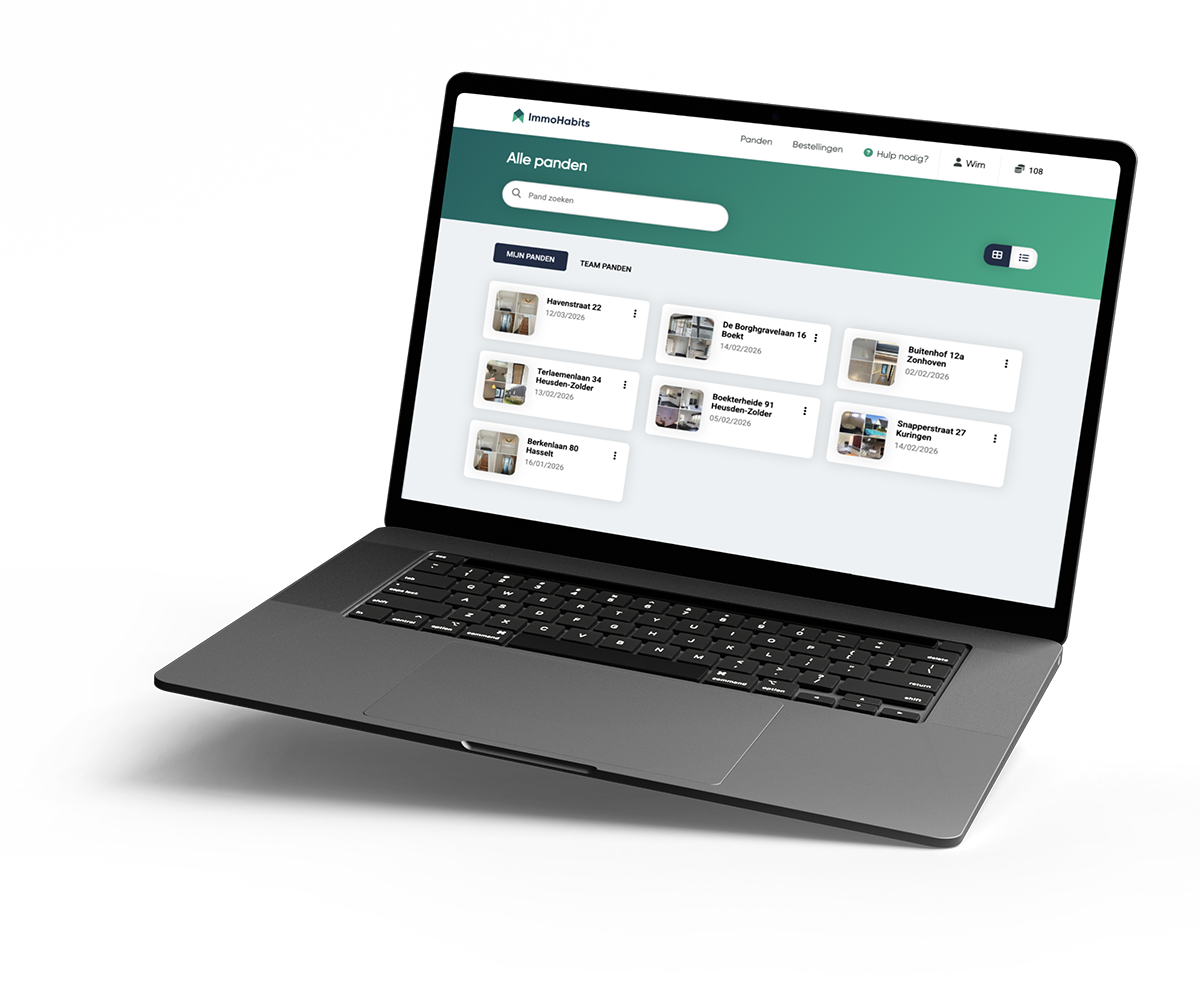
Open your move-in project and click "Add move-out". You automatically get a copy with the same rooms and properties; only the photos are not carried over.


At move-out, add new photos and let ImmoHabits compare the state of the property with your move-in report. You decide whether to document every room again, or add only the differences and new damage.
In a classic move-out you often start over: searching for photos, placing old descriptions next to new images and comparing manually. With ImmoHabits you click "Add move-out" in your move-in project and automatically get a copy with the same rooms and properties. All you do is add the new photos.
Open your move-in project and click "Add move-out". You automatically get a copy with the same rooms and properties; only the photos are not carried over.
Rephotograph all rooms, or add only images of new damage and differences.
ImmoHabits describes differences, new damage and relevant changes per room.
Not every move-out requires the same approach. Sometimes you want a completely new report, sometimes a targeted list of differences is enough. ImmoHabits supports both methods.
The report is designed to quickly clarify discussions about the rental deposit, damage and changes to the property. You don't get a raw comparison, but a readable report you can review and share.
At move-out either party can demand a detailed, adversarial report, at the latest when the keys are handed back. That is why ImmoHabits describes the current condition autonomously, as if no move-in report existed, and keeps the comparison in separate fields. The comparison becomes an explicit, verifiable layer instead of something that blurs the findings.
Tenant damage is established by comparing both reports. Age, normal wear and force majeure always remain at the landlord’s expense.
A move-out inspection report uses the same logic as any other report: you pay based on the number of new move-out photos. If you rephotograph all rooms, you pay again for that full photo set. If you add only differences, the photo cost usually stays lower. The comparison itself is free for as long as the feature is in beta.
The move-in vs. move-out comparison is most valuable when you regularly handle tenant turnover and want to make later disputes as clear-cut as possible.
Switch faster between move-in, move-out and communication with tenant or owner.
Consistent move-out reports across multiple properties and staff.
Better-substantiated findings when there's damage or a dispute.
Create a project for free and discover how ImmoHabits turns photos into a structured report. Companies get 3 free tokens on registration; individuals can view a demo preview.
At move-out, you can use the same add-ons as for a regular inspection report. Damage description is included in every report; you only add the repair cost estimate when you need it.

ImmoHabits describes visible damage by default in the report, without an extra token.

Optionally add a cost estimate per damage point, with a summary table and total price.
Do I have to start over for a move-out inspection report?
No. You start from your existing move-in project in ImmoHabits. You add the new photos at move-out and ImmoHabits makes the comparison with the state at move-in.
What does a move-out inspection report cost?
The comparison between move-in and move-out is free for as long as the feature is in beta. You only pay the normal number of tokens based on the number of new photos you add at move-out. If you photograph only differences or new damage, this usually stays under 50 photos.
Do I have to rephotograph all rooms?
That's up to you. You can rephotograph all rooms for a full move-out inspection report, or add only photos of differences, damage and points of dispute. In the latter case the report is more focused and highlights mainly what deviates from the move-in.
Does ImmoHabits automatically see new damage?
ImmoHabits analyses the photos at move-in and move-out and helps describe differences, new damage and changes in the state of the property. You always review the report yourself before finalising it.
Can I still adjust the report?
Yes. Just like with a regular inspection report, you keep control of the content. You can review the text, adjust it and only then export to PDF or Word.
What is the difference between a move-in and move-out inspection report?
At move-in, you record the condition of the property when the tenant moves in. At move-out, you compare the condition at the end of the lease with that move-in state. The difference shows which damage or wear occurred during the tenancy and forms the basis for settling the deposit.